MythLayer
A downloadable DND VTT Overlay Tool
MythLayer
A single-file D&D 5e battlemap & VTT toolkit for physical tables, TVs, and projectors -- and now remote play too.
One HTML file. No install. No account required. No subscription. Fully offline for table play, with optional peer-to-peer networking when you want to run a session across machines.
MythLayer started as a battlemap effects overlay for TV tables. It has grown into a full DM console: WebGL spell rendering, a touch-frame mode for physical minis, a full map builder with walls and doors, fog of war, weather, ambient audio, complete 5e combat tracking, and a cross-machine remote VTT mode -- all still built for a DM who wants speed at the table, not another heavyweight platform to configure.
What MythLayer Does
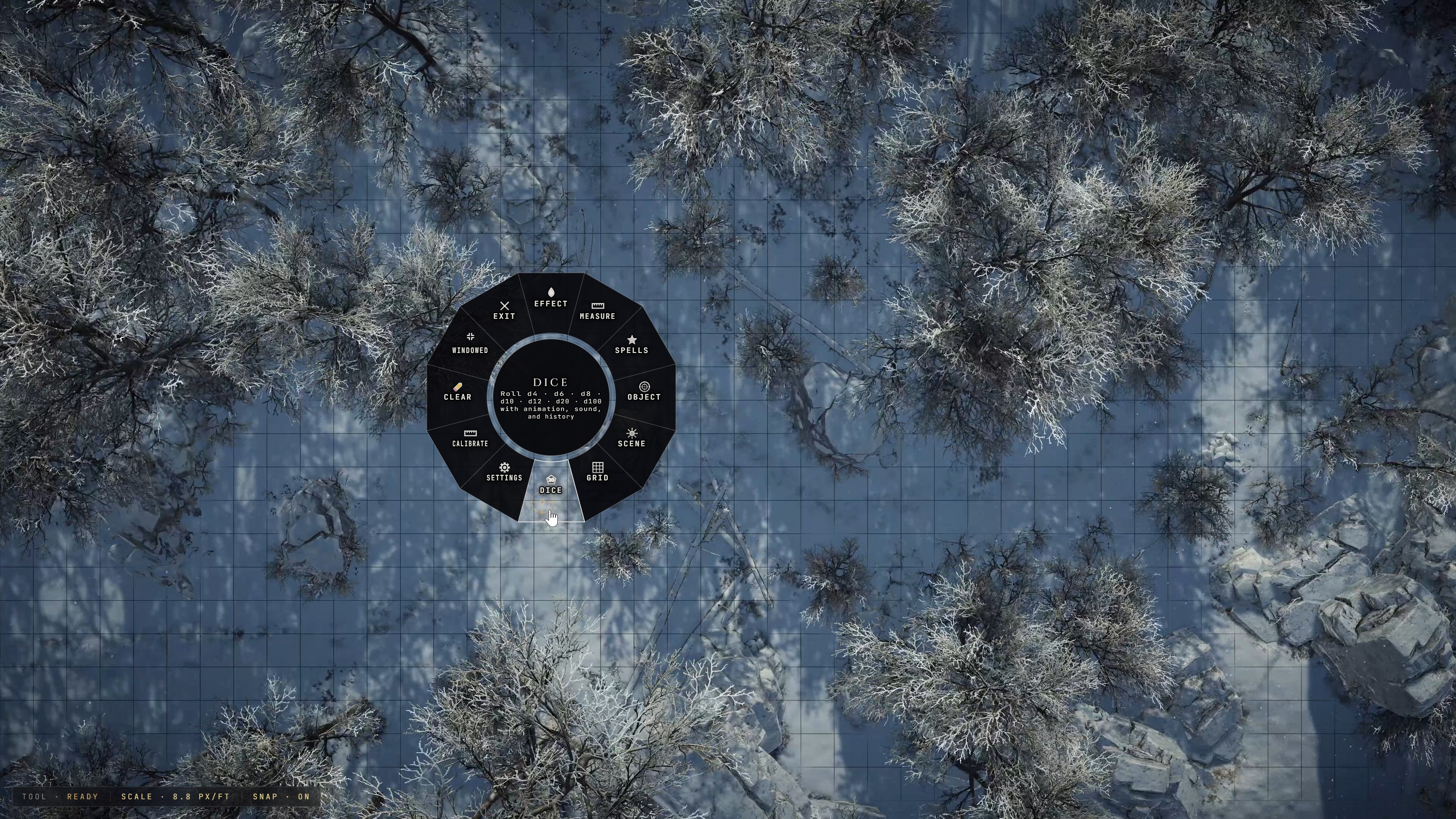
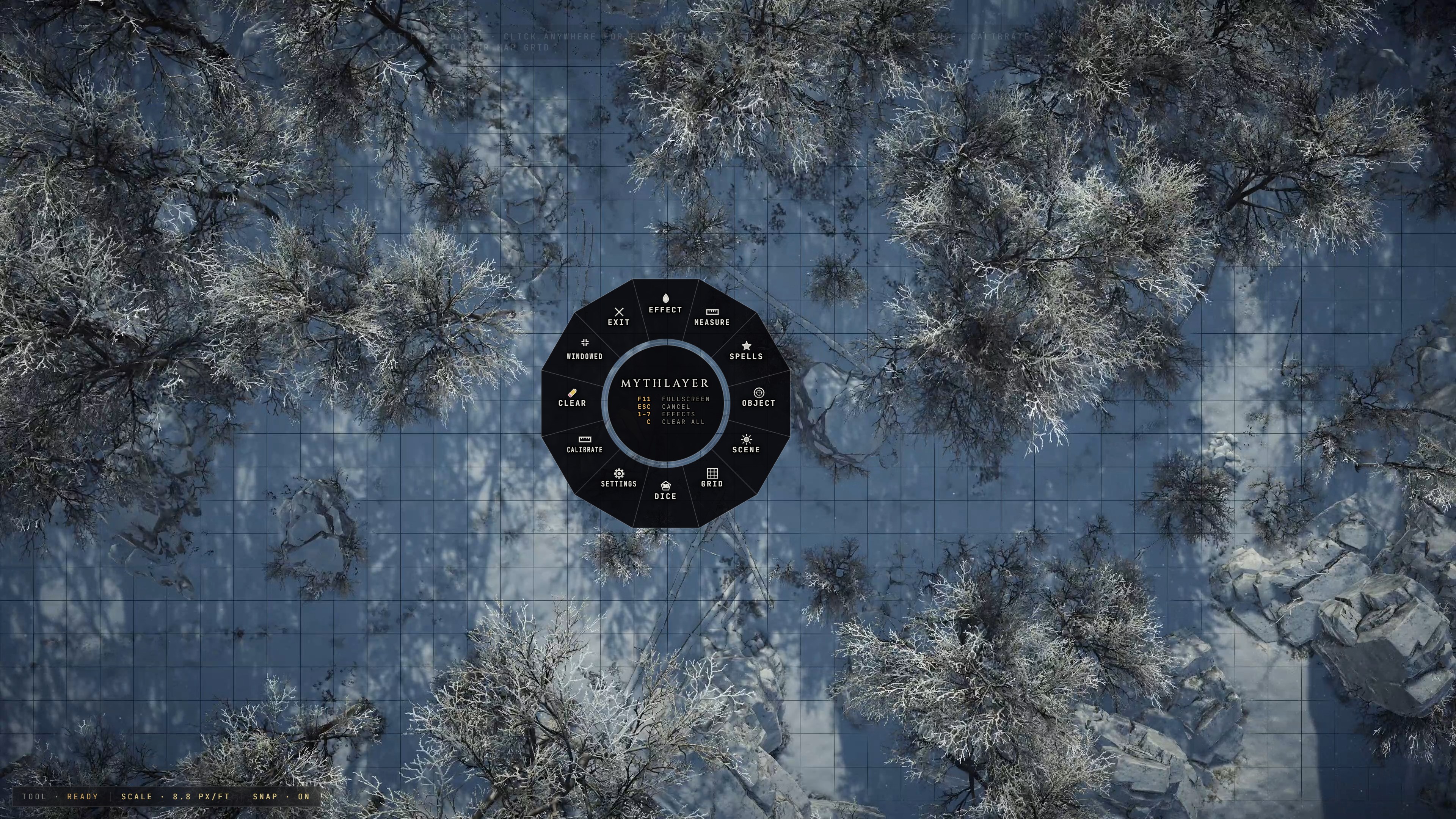
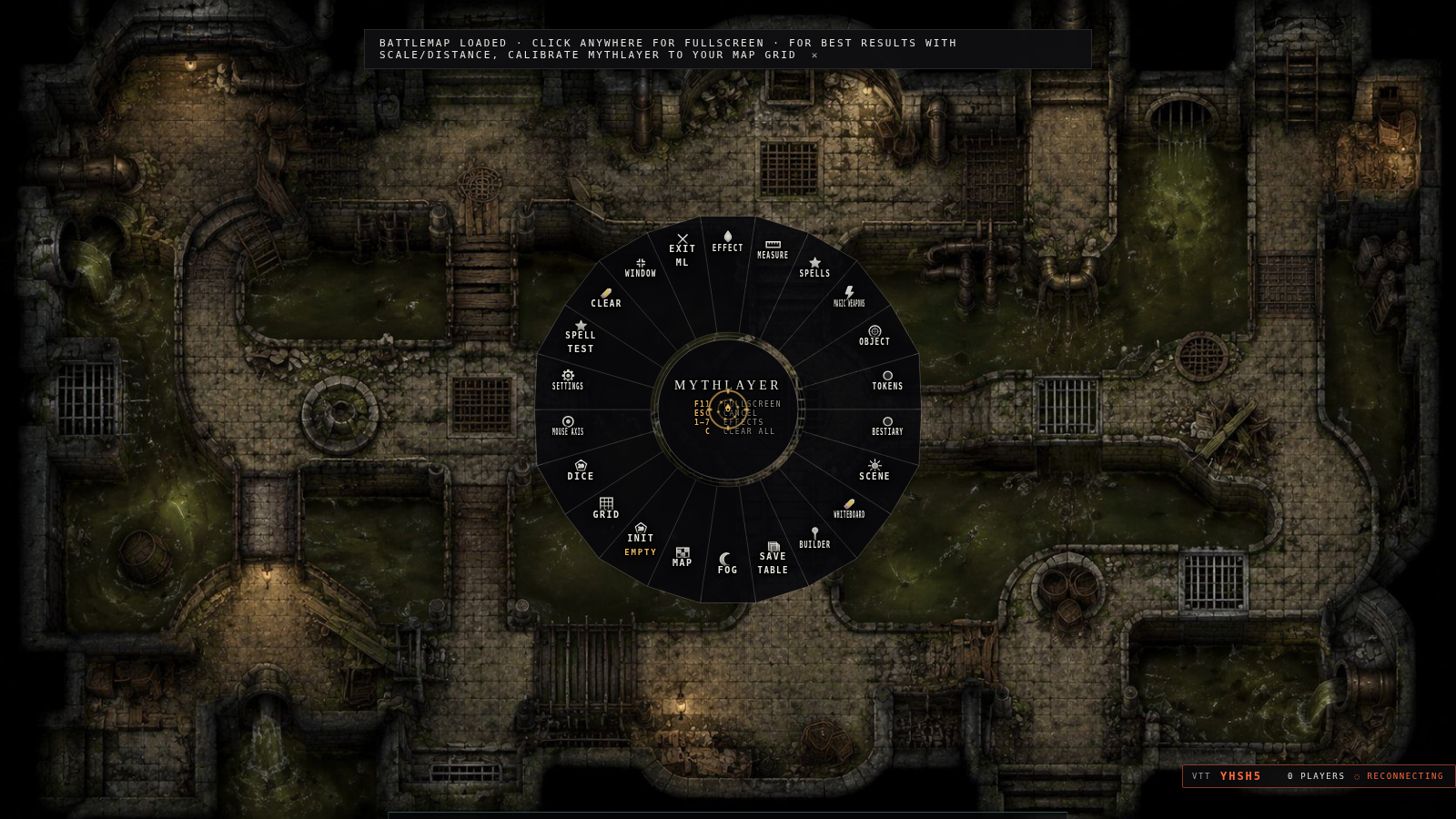
MythLayer runs on top of a video (or generated) battlemap and gives the DM a fast, radial-menu console for placing:
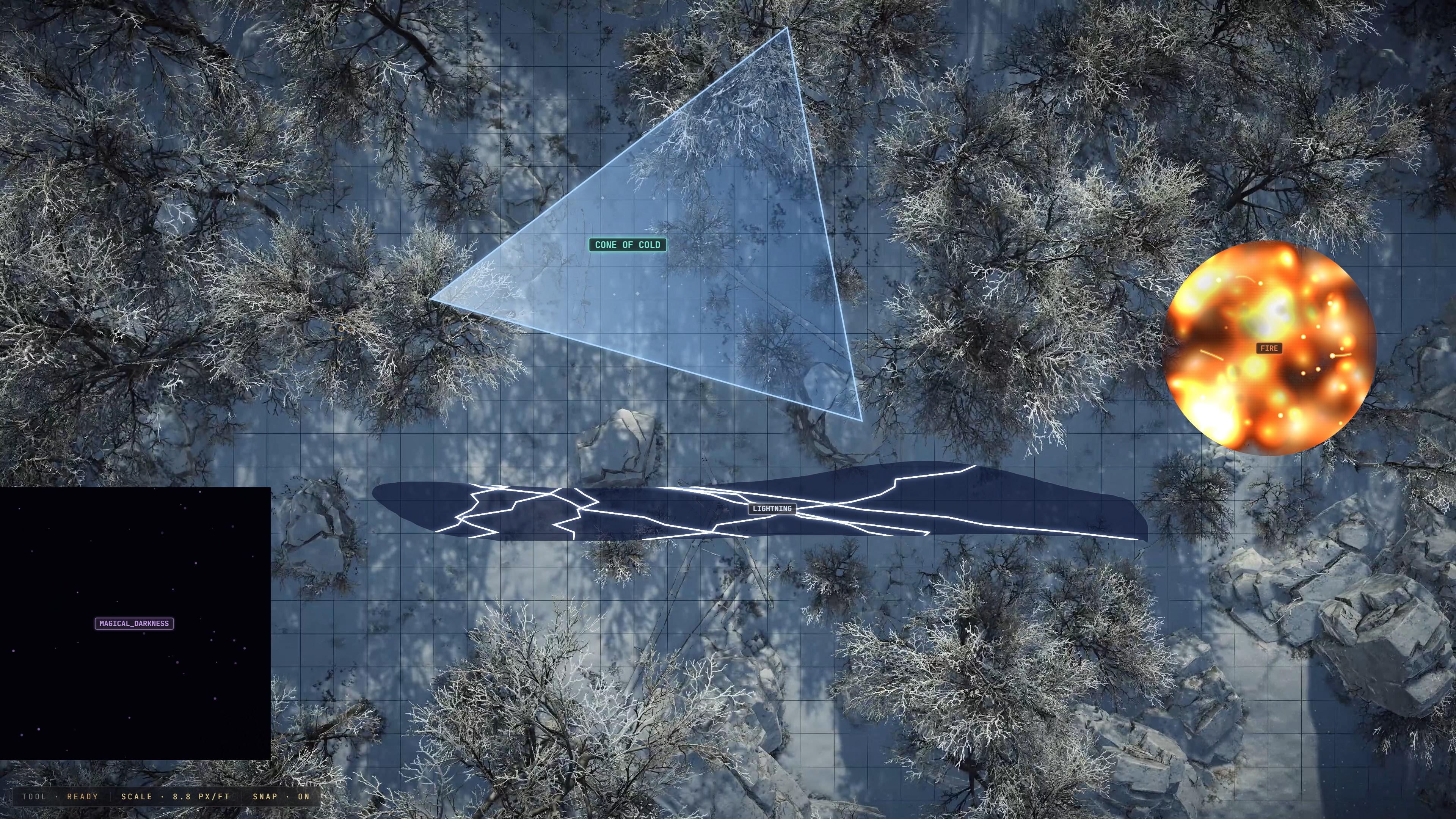
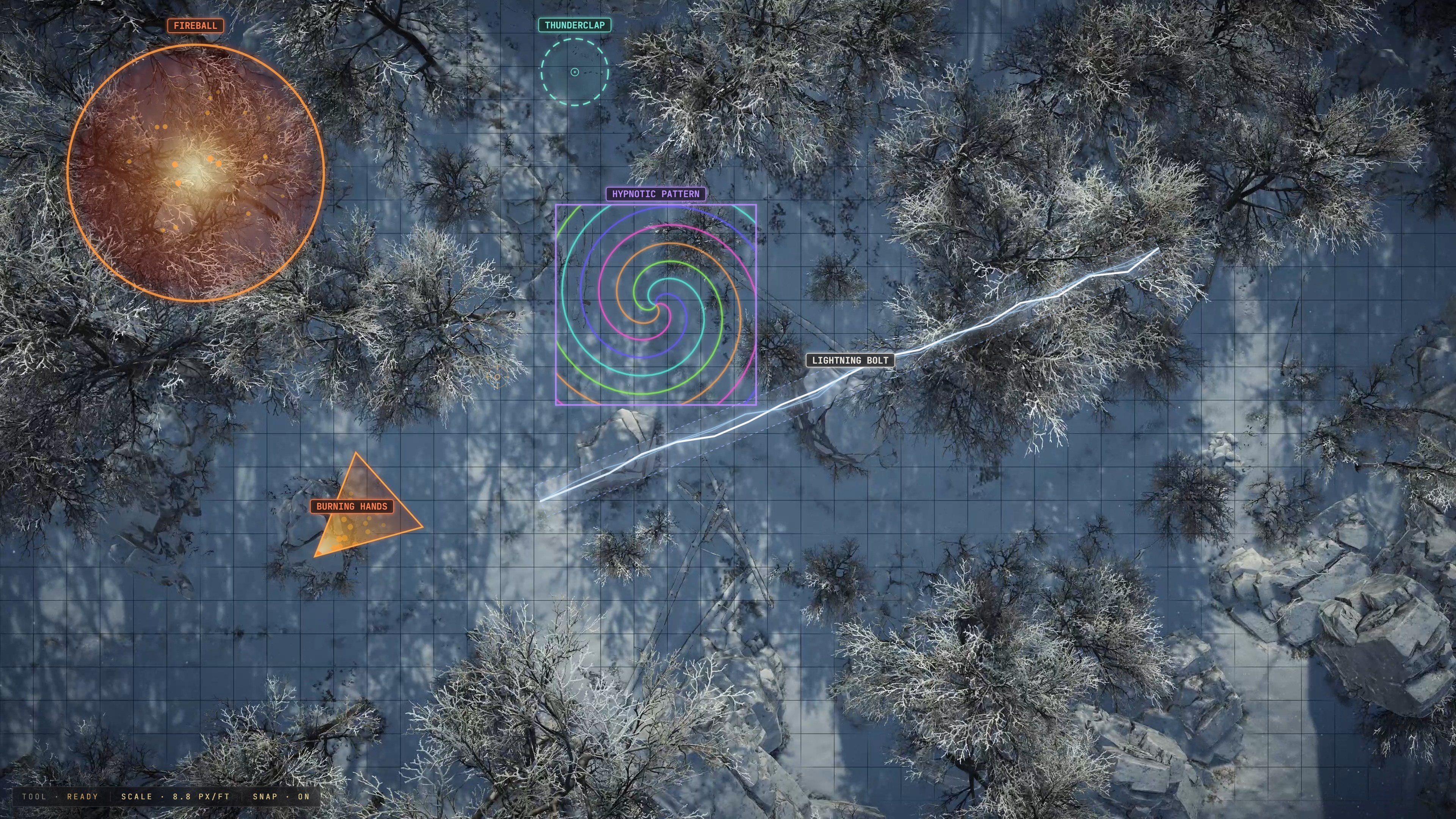
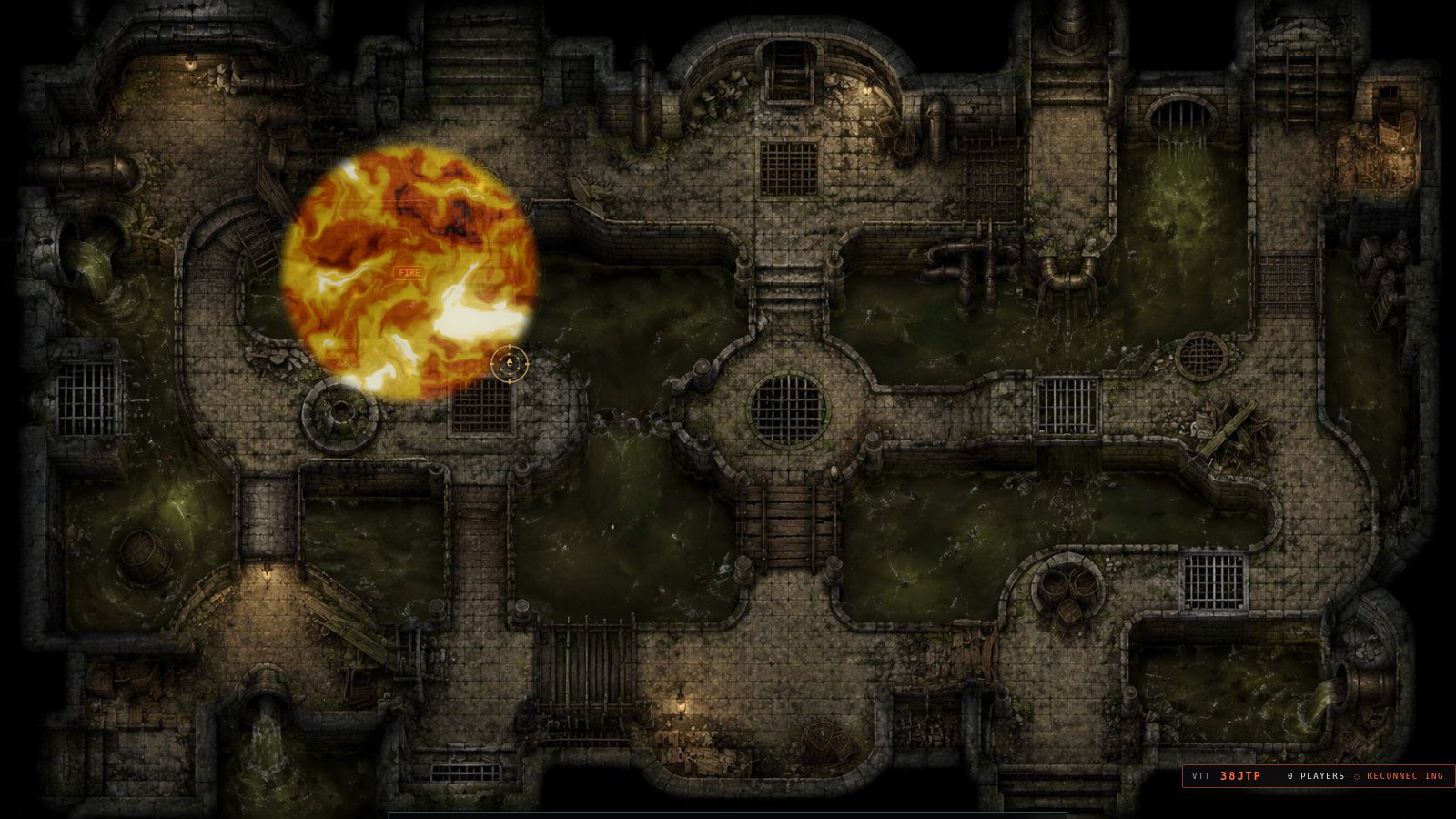
- GPU-accelerated spell and area effects (fire, ice, cone, wall, and more, with bloom/HDR particle rendering)
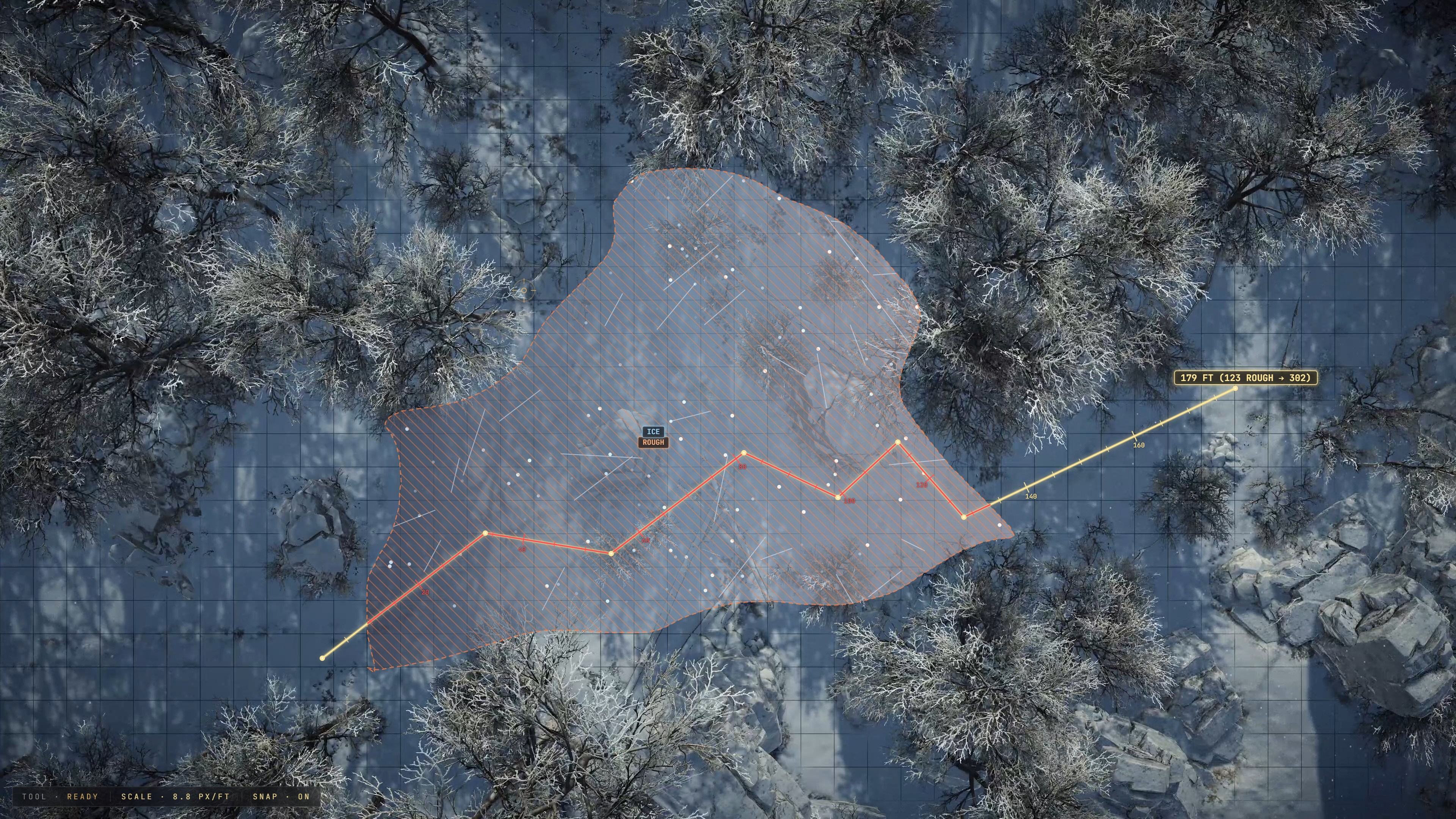
- 5e-accurate area templates and measurements
- Walls, doors, locks, and hidden/secret doors, plus elevation and cover zones
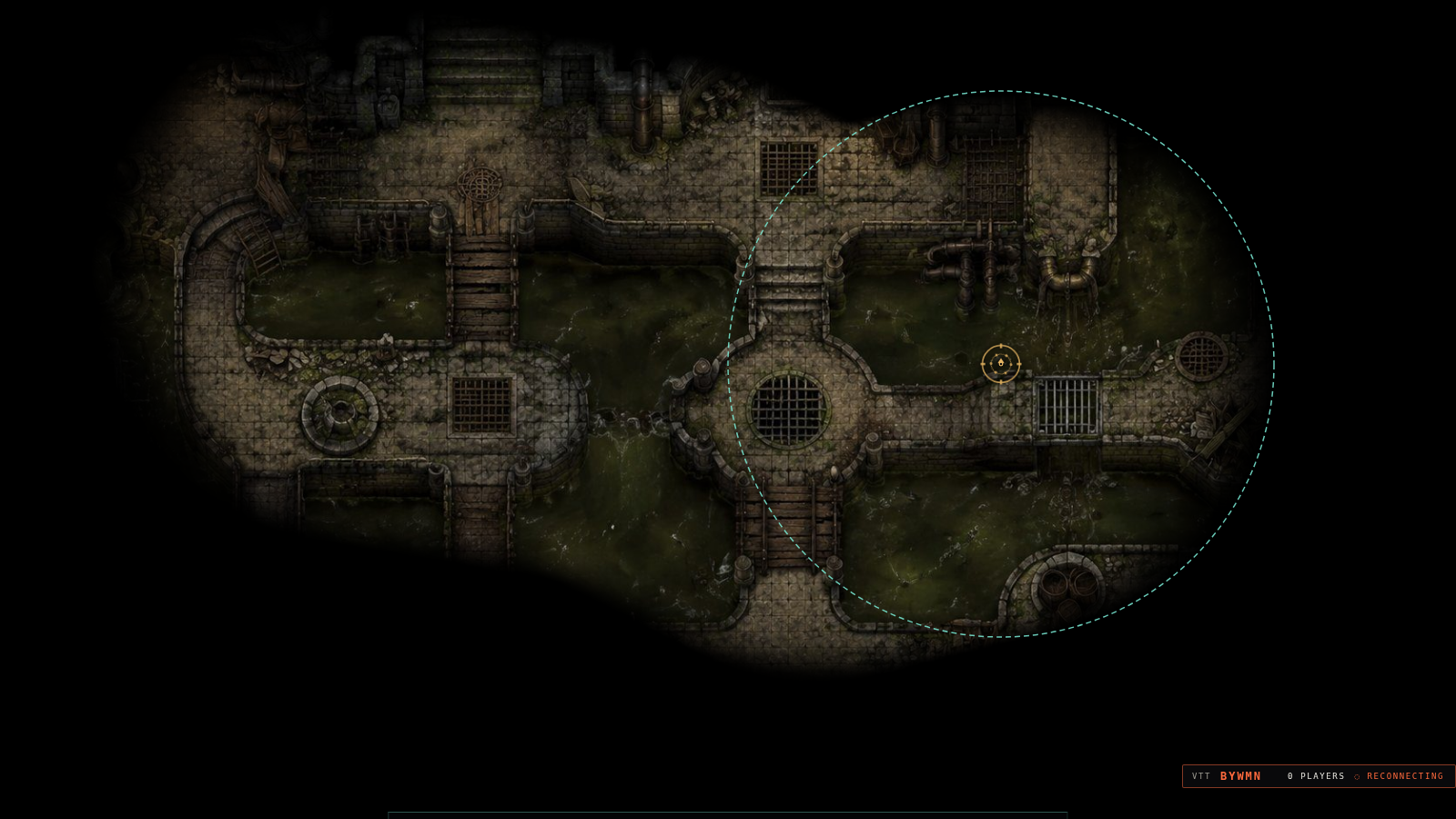
- Fog of war with vision and light integration
- Weather effects: rain, snow, storms, fog, lightning
- We have some sounds but plan on adding a much more robust sound library with external music integration such as a Spotify plugin.
- Full initiative tracking, HP/temp HP, death saves, conditions, and concentration
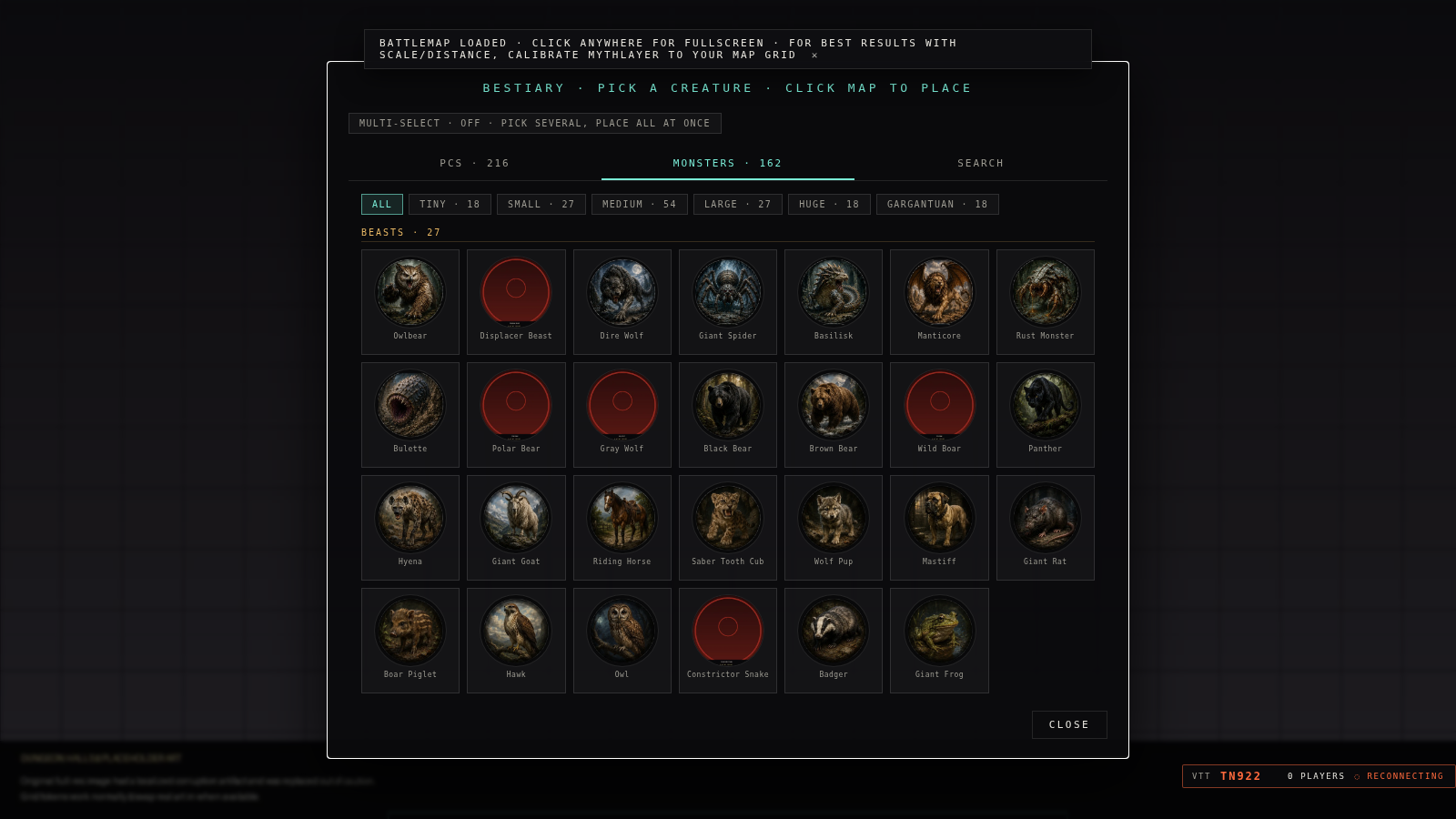
- 200+ player characters and 160+ monsters, importable with one click
Play it at a physical table with a TV or projector and real minis, or open the same console remotely with players on other machines over a direct peer-to-peer connection. No server signup required.
Who It's For
- DMs running 5e, 5e (2024), or d20-style games
- Tables that use minis and real terrain, with a TV or projector overlay
- DMs who want to run some sessions remotely without switching tools
- Groups who want VTT-grade spell effects, fog of war, and combat tracking without a subscription or account
- Anyone who wants a single offline-first HTML file they can back up, move, or modify
Core Features
WebGL Spell & Effects Engine
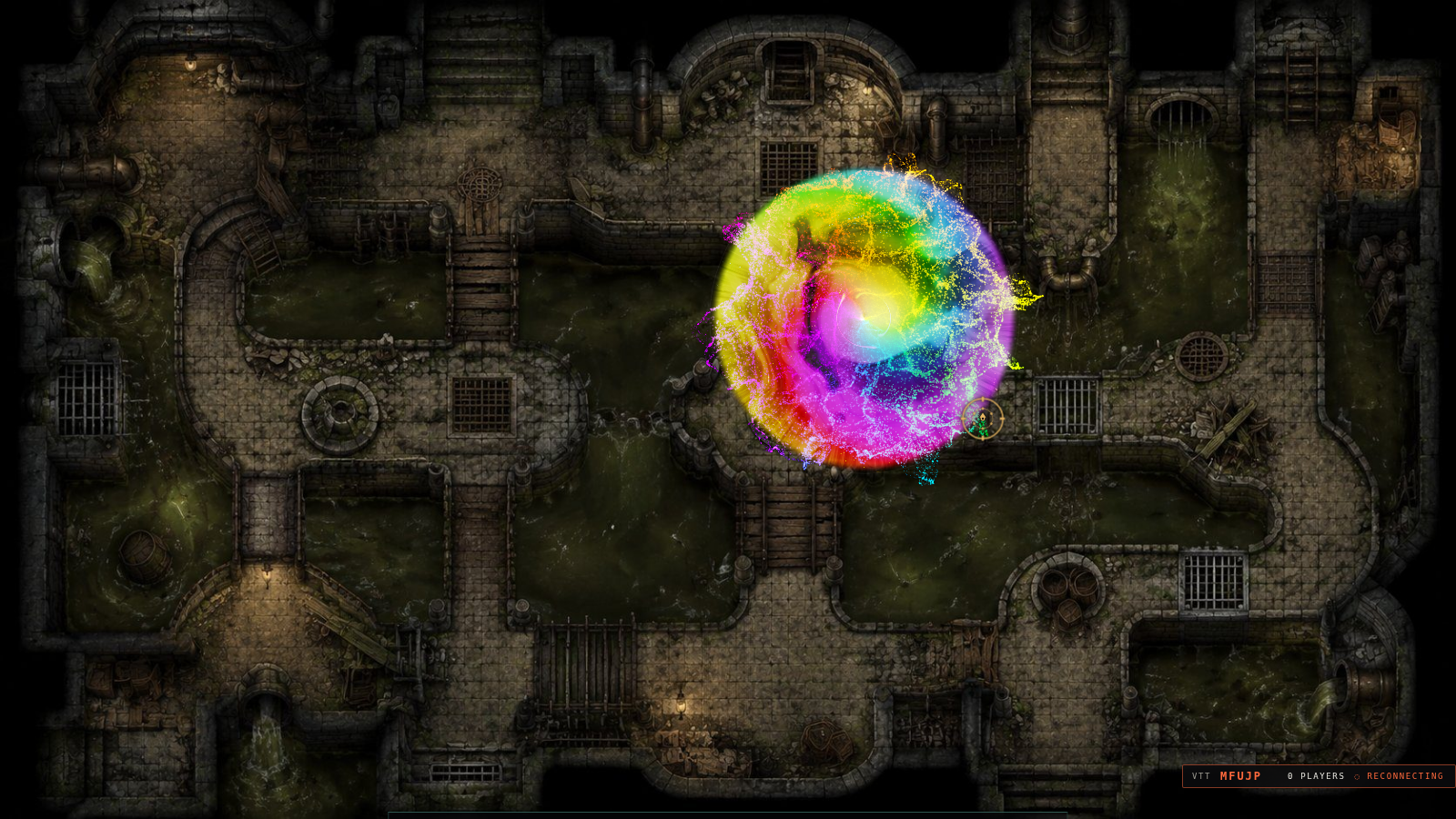
GPU-rendered particle effects for fire, ice, cone, wall, and prismatic (LABIAN) spells, with bloom and HDR-style rendering for a much higher-fidelity look than flat overlay art.
Touch-Frame / Physical Table Mode
Calibrate a touch/IR frame to your table, link digital effects directly to physical minis, pinch-resize placements, batch-link groups of minis, and trigger scripted events when a mini crosses a zone. Seat players around the table and MythLayer reorients controls to whoever's turn it is, without ever rotating the screen itself.
Map Builder: Walls, Doors & Zones
Draw walls and doors directly onto a battlemap, lock doors or make them fully hidden until discovered, and lasso elevation and cover zones for line-of-sight and partial-cover math -- all without leaving the same radial menu you use to run the encounter.
Fog of War
Hide and reveal the map as the party explores, with multiple fog styles (including a shifting prismatic wash for otherworldly scenes) integrated with vision and light sources so illumination and visibility stay in sync.
Weather & Atmosphere
Rain, snow, storms, fog, and lightning, rendered as live particle effects over the map for atmosphere that reacts in real time.
Full 5e Combat Tracking
Initiative tracker, HP and temporary HP, death saves, conditions with timers, saving throws, attack rolls, damage types with resistance/immunity/vulnerability, spell slots, and concentration tracking, all in the same console you use to run effects.
SRD Bestiary & Spell Library
200+ player characters and 160+ monsters (filterable by size, from tiny to gargantuan), one-click import of SRD spells, a custom monster builder, an encounter budget/CR calculator, and a random encounter generator.
Remote VTT / Cross-Machine Play
Run a session with players on other machines using direct peer-to-peer connections (WebRTC): invite codes, no account, no dedicated server. TURN/STUN relay support keeps connections working across most network setups.
Player View & Stream View
Open a separate player-facing window with DM-only information hidden, or a clean stream-ready view for OBS. The DM keeps full control from the main console.
Session Tools
Session recap and timeline with Markdown export, save/load table with one click, automatic rotating backups, and full session bundle export/import so you can pick a campaign back up anywhere.
Quick Templates & Measurement
Locked spell templates with baked-in 5e dimensions (Fireball, Cone of Cold, Web, Spirit Guardians, and more), quick-place common sizes, and multi-point distance/line/cone/cube/sphere/cylinder measurement tools.
Dice Roller
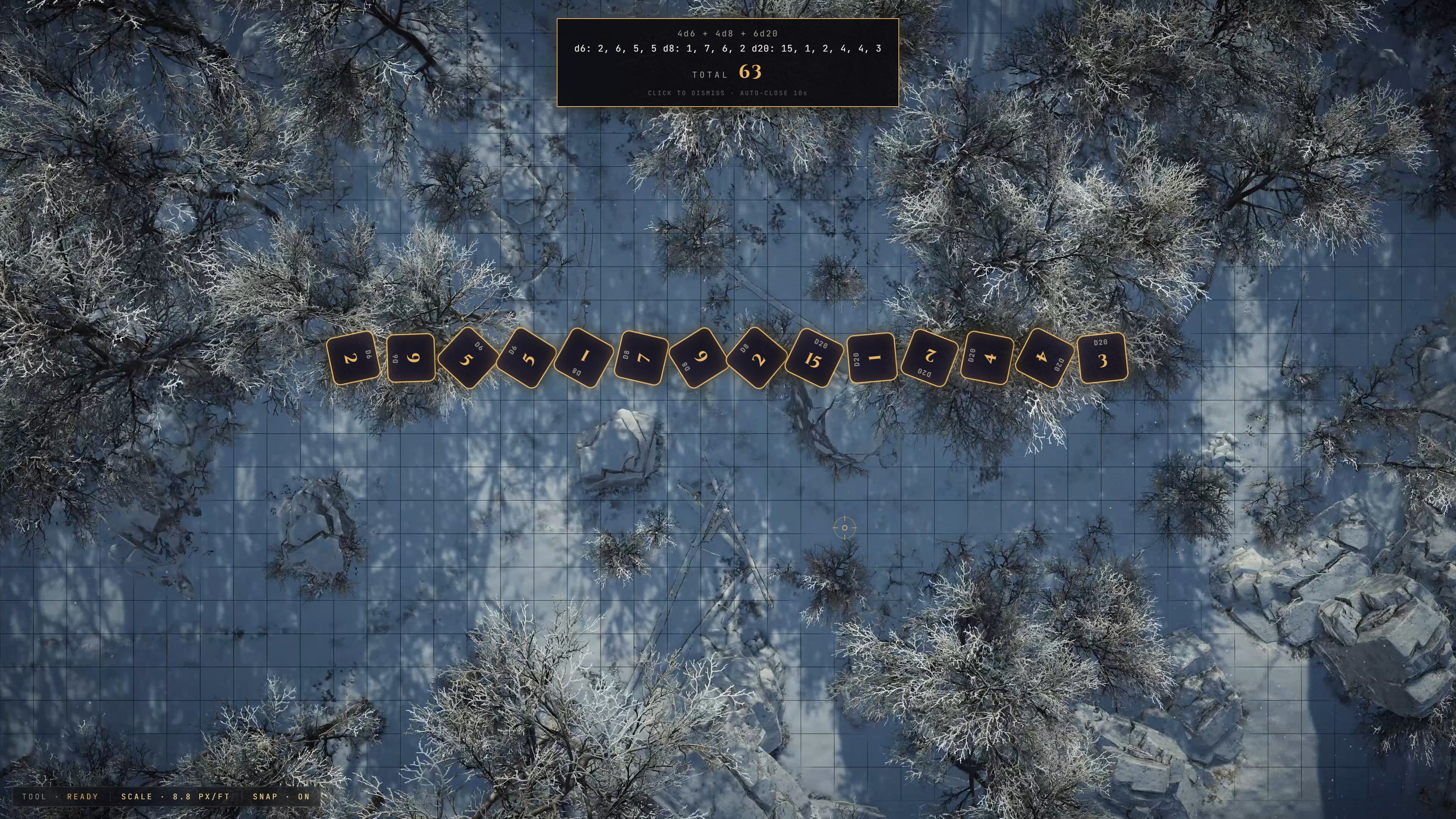
Built-in procedural dice roller (d4-d100) with animated physics, click-to-build dice pools, and persistent roll history. No third-party widgets.
Radial Menu & Customization
A fast right-click radial menu for every tool, with hover descriptions, customizable layouts, and persistent settings for animation intensity, cursor size, labels, snapping, and sound.
System Requirements
Browser: Chrome 100+ or Edge 100+
OS: Windows, macOS, Linux, ChromeOS
Hardware: Laptop, desktop, or mini-PC connected to a TV/projector for table play. Any modern machine for remote play.
Firefox and Brave aren't currently supported. MythLayer relies on multi-display APIs for launching the overlay onto a selected screen.
Quick Start
Physical table:
- Download the latest MythLayer HTML file
- Open it in Chrome or Edge
- Choose a battlemap video (or generate a scene)
- Detect displays and launch the overlay on your TV or projector
- Right-click and Calibrate: click two points a known distance apart and enter the distance in feet
- Start placing effects, running combat, and rolling dice
Remote:
- Open MythLayer and start a session
- Share the generated invite code with your players
- Players connect directly over a peer-to-peer link. No account needed
Current Status
V2.279 (Beta)
MythLayer is stable, actively developed, and used at real tables, with new builds shipping regularly as single HTML files. Recent work has focused on the map builder (walls, hidden doors, cover and elevation zones) and deeper fog-of-war styles. Older versions keep working, with no forced upgrades or server dependencies.
Credits
Designed and built by MJ. The single-file design, offline-first workflow, and DM-console approach have been the core goals since day one.
Feedback
Found a bug, want a feature, or want to show off your table setup? Leave a comment on this page.
MythLayer. The map is the map. The minis are the minis. The magic goes here.
Purchase
In order to download this DND VTT Overlay Tool you must purchase it at or above the minimum price of $30 USD. You will get access to the following files:
Comments
Log in with itch.io to leave a comment.
How do I get support with this please? The discord link on https://mythlayer.com/faq.html is invalid. I'm having an issue where tokens, spell effects etc are offset between views - that is, not in the same place on a player view vs the DM view.
Discord link https://discord.gg/bRVUegmhu
Problem is likely windows display settings issue.
Both displays need to be the same resolution\zoom ratio or nothing overlayed will be exactly 1:1 location wise.
Try that and if your still having issues reach out here or discord.
Thanks!
MJ